Renewal of Waste Tank for Epson T04D1, T6710 and T6711 by Reseting Chip: Complete Service for Maintaining Operation Printers
17.11.2023
Renewal of Waste Tank for Epson T04D1, T6710 and T6711 by Reseting Chip: Complete Service for Maintaining Operation Printers
Contents:
In an era of rapid technological development, where we often face the need to replace key components of printers, it has become a waste tank recovery service for Epson T04D1, T6710 and T6711 reseting the chip is extremely important. The World of Inks company has expanded its offer that it now includes models of maintenance boxes T6710 and T6711, intended for older printers. At the same time we provide a complete service for all printers who are faced with WASTE TANK FULL failure. CONTACT EPSON SUPPORT.
Renovation of Waste Tank for Various Epson Models:
1. Epson T04D1:
The renewal process for Epson T04D1 described in the preceding article is adapted to the specificity of this model. Removing full pads, replacing with high absorbent pads and resetting the chip on the cartridge are key steps to ensure that your printer stays in top condition.
2. Additional Offer for Older Printers - T6710 and T6711:
We are proud to announce that we have extended our reconstruction service to models of maintenance boxes T6710 and T6711. These models are intended for older printers, and with our expertise and experience we ensure that these printers can continue to be used easily.
Service for Mistake WASTE TANK FULL. CONTACT EPSON SUPPORT:
In addition to renovating the waste tank, we specialize in servicing all printers that display WASTE TANK FULL error. CONTACT EPSON SUPPORT. Our team of technicians has a deep understanding of the problems associated with this warning and ensures a rapid and reliable correction of this error.
Benefits of our Services:
Comprehensive Support for Different Models:
We provide renovation and servicing for a wide range of Epson models of maintenance boxes.
Specialization for Older Printers:
We are proud of the fact that we can also restore the maintenance box for older models, maintaining their functionality.
Quick Expedition Error:
Our team is equipped with technical knowledge to quickly and effectively correct errors, including the warning 'WASTE TANK FULL. CONTACT EPSON SUPPORT'.
Published:
17.11.2023
Related products
-
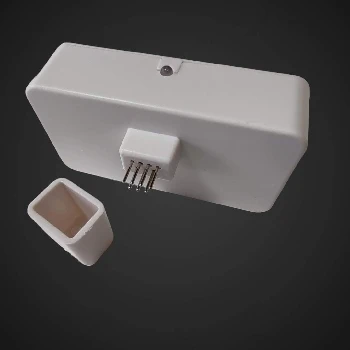 Reset for tank waste for Epson L6170 L6190 T04D1
-
 Epson T6711 Waste Ink Collector restored
-
 Tank scrap chip for Epson T6711
-
 Tank scrap chip for Epson T6710
-
 Epson Workforce T6710 Waste Ink Collector
-
 Chip for Canonplotter Maintenance tank
-
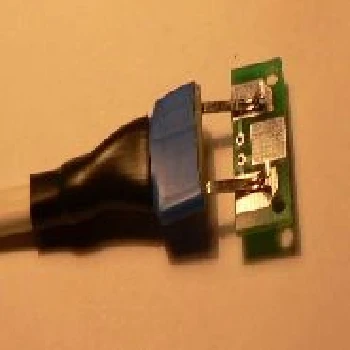 Reseter cable 1-wire
-
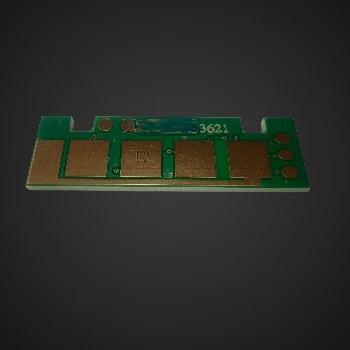 Chip for Xerox WorkCenter 3335/3345 for 8500 pages 106R03621
-
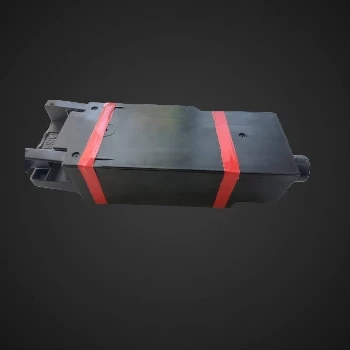 Waste tank for Ricoh SG 3110 GelSprinter IC41
-
 Reset key for resetting waste ink counter
-
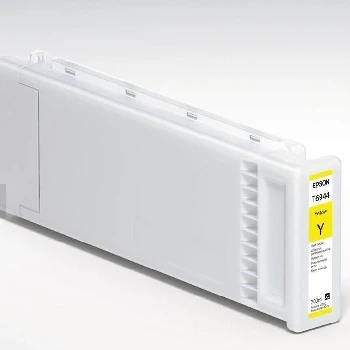 Charging Cartridges for Epson SureColor T3000/T5000/T7000 700 ml
-
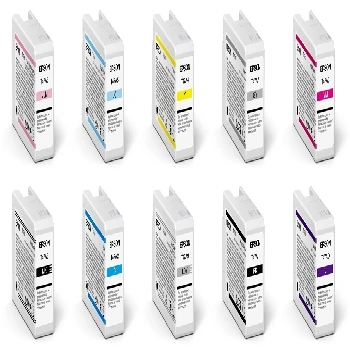 Filling cartridges for Epson SureColor P900 ULTRACHROME 50mL
-
 XPPen Star G430S Graphical USB tablet without batteries
-
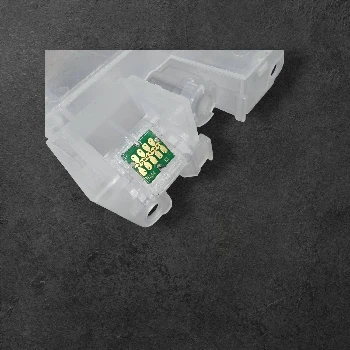 Refil cartridge kit for Epson WF-5290 with ARC chip
-
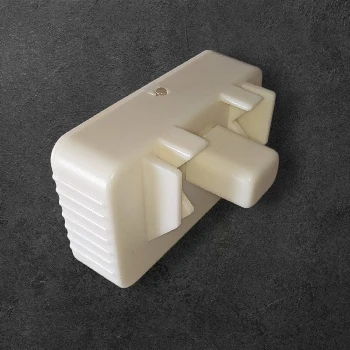 Reset for chips on Epson SureColor P700 and P900 cartridges
-
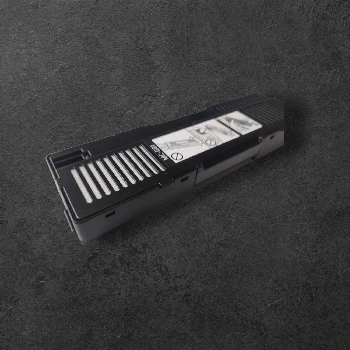 Renewal of Canon MC-G01 OS maintenance kit (4628C001)
-
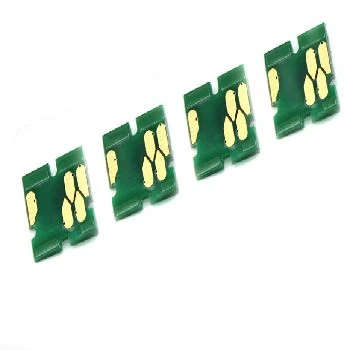 Set auto-reset chips for WF-C5890 T11D T11C
-
 Chip Set for Kyocera TK-5240 CMYK for Kyocera ECOSYS M5526cdn
-
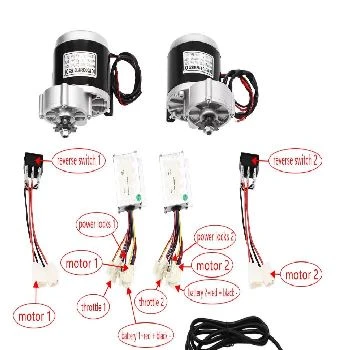 24V/36V kit for conversion of electric scooter 10in
Additional documentation
-
 Look
Revolutionize Your Inkjet Cartridge Reseters
-
 Look
Renewal of the Optical Unit for Laser Printers
-
 Look
Clean your Epson printer yourself with ITS tank system - Save money and extend printer life!
-
 Look
Svet Črnil: The Story of Recycling and Waste Ink
- Look Automatic dosing of toner dust
-
 Look
Interpretation of chip and reset on waste tanks Canon Maxify 6050 etc
