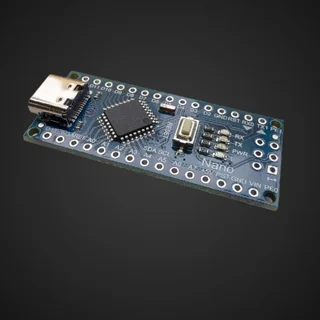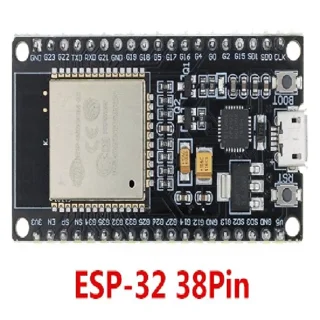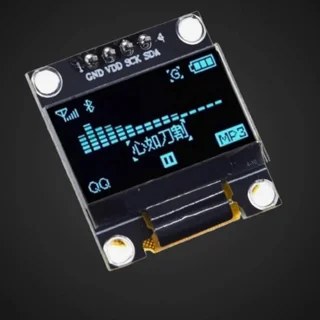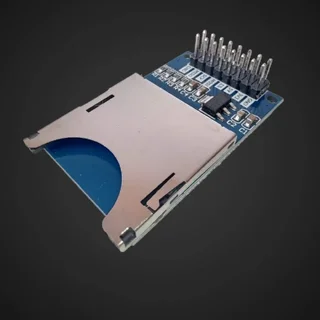
Arduino and ESP32: overview of power supply, signal levels and module connections
Before binding, create a connector table. For each module write down the label, supply voltage, maximum intended consumption, signal levels, interface and used GPIO.
Power supply is not a signal level
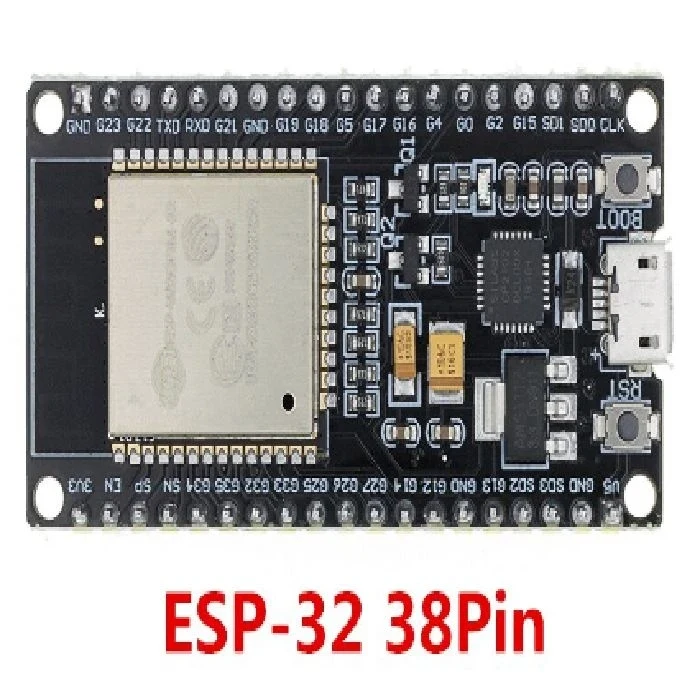
The 5 V power module may emit a 5-V signal or contain a conversion to another level. This is determined by the scheme and data sheet, not by the appearance of the connector. Do not connect 5-V or 24-V output directly to the ESP32 GPIO.
- I2C: check SDA, SCL, address of each device and pull-up resistance and voltage to which they are connected.
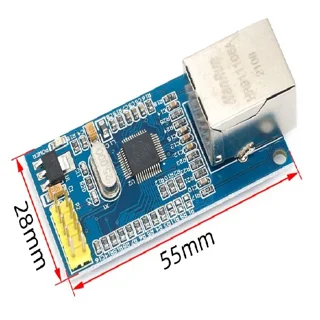
- SPI: check time, data waters, individual device selection signal and maximum useful speed of binding.
- UART: Connect broadcast to appropriate reception and check levels; TTL UART is not the same as RS-232 or RS-485.
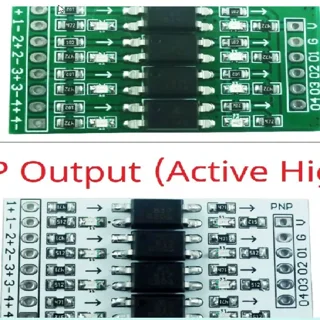
- Industrial input: specify PNP, NPN, open collector or other output. Select an interface that also downloads scheduled interferences.
Pre-merger test
- Configure and measure power converter output without connected microcontroller.
- Check polarity, common reference or intended galvanic separation and load protection.
- Test each module separately; save the working case and version of the library.
- Test the combined system at maximum consumption, reset and sensor disconnection.
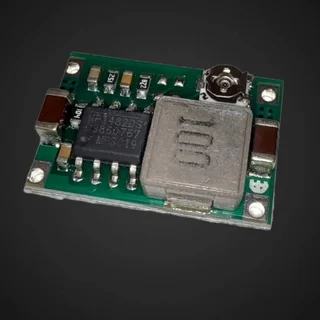
For engines and coils, use the appropriate drivers. Do not conclude from the transistor limit value on the capacity of the whole module. In 24-V system check the actual input range of the converter; many executions Mini360 not suitable for direct 24 V.
Official documentation
Published:
20.10.2026