Video
Video v angleščini
FIN: four print modes and a free program
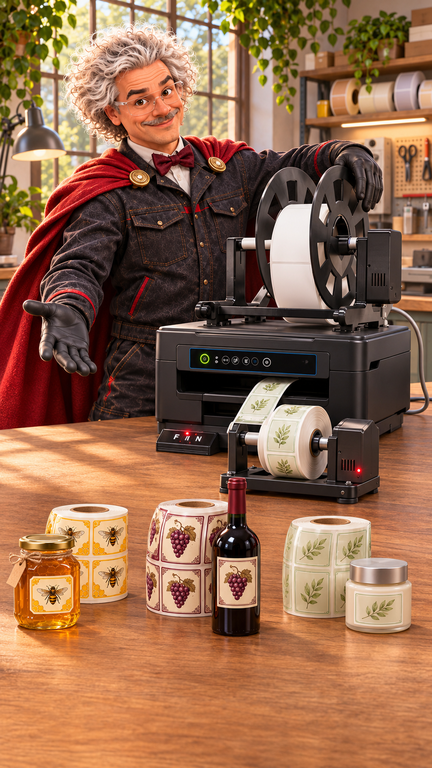
One printer for various tasks: document A4, labels on a white background, transparent labels and printing on an endless roll. In the new presentation, I show how FIN chooses the printing method, prepare labels and mark the package for dispatch. The video is in English.
Four Print Modes
Find the key on the control panel M, during the key Feed and a single label key. It selects a way that fits the inserted material. In the light performance presented, the following settings shall be indicated:
- Paper A4: all four lights are off.
- White cut labels: the above light indicates the setting for detecting the gap between the labels.
- Transparent labels: in the case of a material with a black label on the carrier base, select the light below.
- Endless Rolls: both left lights are included. The material can be printed with labels for later cutting or cutting on a separate cutter.
Before the longer series we check the selected method, proper material management and first print alignment. This leaves the transition between different tasks transparent.
Label Designer is included for free
Our printer is on Svet Črnil Label Designer for the preparation and printing of labels. Imports of existing proposals are also supported EasyLabel and NiceLabel, so you can re-use your designs when moving to a new system. After import, check dimensions, fonts and layout and make a first test print.
More about the programme Svet Črnil Label Designer
Development and production close to the user
FIN is manufactured in Europe, and customised parts 3D printed in Slovenia. At the Board of Blacks we connect printer, software and help with settings. At the end of the video FIN print the transport label, we pack the printer and prepare it for shipping to the customer.
Order and current tender
Order a FIN printer in an online store. Check the current price, action offer, equipment included and delivery conditions on the product side.
Order FIN — English product page