Why doesn't the computer recognize Arduino Nano with the CH340 chip and how do I upload the first program?
First, make sure the computer detects the serial port. If the door isn't there, choosing a Bootloader in Arduino IDE won't solve the problem.
What to check out
- Use verified data USB-cable and direct USB-computer connection. The charge cable can power the LED without transmitting data.
- In the device manager, monitor which device appears when fitted. Find the CH340 driver from the WCH manufacturer or as instructed by the panel supplier.
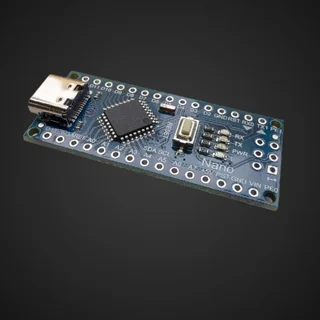
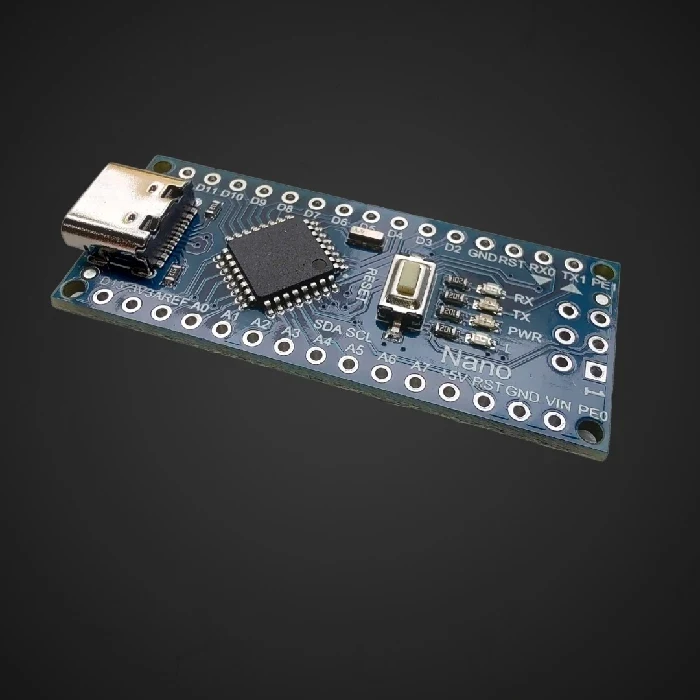
- For classic Nano with ATmega328P, select the appropriate panel, processor and COM-gate. If loading fails, check that execution requires ATmega328P (Old Bootloader).
- Close other programs using the same door. Complete the first test with a basic example and without an external circuit on RX/TX.
A Practical Example
If COM-the door appears and disappears along with the tile USB-part at least partially detected. Then discuss the correct error message when loading instead of simultaneously changing driver, panel and entire application.
Common error
Double RESET pressure is not a general procedure for all Nano plates. Classic AVR Nano and newer Nano families have different methods of loading.
For further reading
- Arduino: choice of processor and bootloader for Nano (English). Explanation of options ATmega328P, Old Bootloader and ATmega168 in Arduino IDE.
Compatibility check products
Select products according to the above criteria; the list is not a confirmation that they are all interchangeable.
Published:
20.10.2026