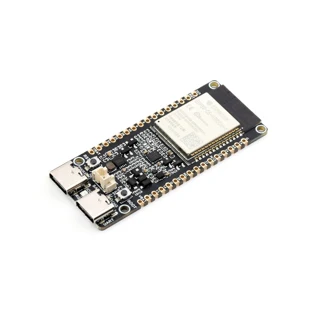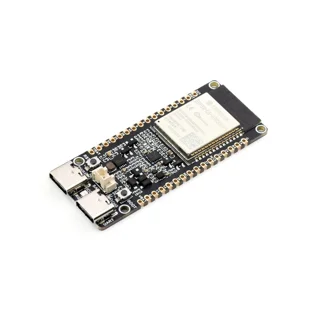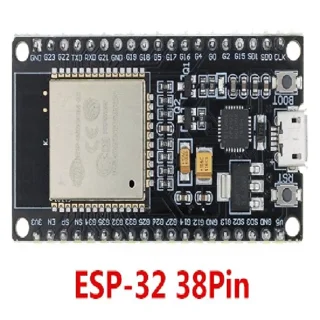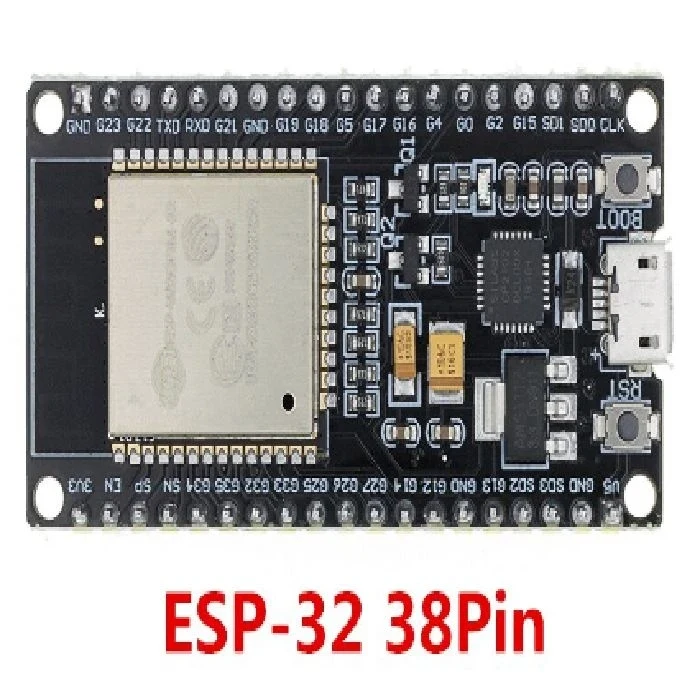
Why can't I download the ESP32 and when do I use the BOOT and EN buttons?
The loading error may be due to cable, occupied door, inadequate power supply or wrong start-up mode. BOOT and EN only help with a properly bound plate.
What to check out
- Check the exact chip family, selected target in the development environment and COM-port. The ESP32-S3 programme is therefore not suitable for ESP32-C5.
- Disconnect external modules, especially from start-up connections, and close the serial monitor in other applications.
- If the automatic switch does not work, use the manufacturer's procedure: for many development panels hold BOOT, press EN/RESET briefly and then release BOOT to load.
- After successful download, press EN/RESET if necessary. If transfers are unstable, try lower speed and other short data cable.
A Practical Example
Separate "doors do not exist" from "failed to connect" and errors while writing flash. The first shows a connection to the computer, the second often in a startup mode, and the third requires a review of the power supply and communication.
Common error
Starting GPIO is not the same for all families ESP32. Do not download the pin numbers from the instructions for the second panel and do not change the security eHouse settings due to the usual loading problem.
For further reading
- Espressif: Troubleshooting your application (English). Procedures for checking the connection, startup mode and errors when writing the program.
Compatibility check products
Select products according to the above criteria; the list is not a confirmation that they are all interchangeable.
Published:
20.10.2026