
To which page do I print the photo paper and what settings do I choose?
Print on the coated page specified in the media instructions. This is often more white, smooth or brilliant, but the appearance is not reliable in all products. Print both sides only on the medium intended for this purpose. Wait for proper drying before reinserting the first print.
In the driver, set the correct format and type of medium, such as matte, glossy or appropriate laser paper. The exact choice depends on the printer and the product. The highest setting is not always the best, as overapplication of ink can cause problems. The test sheet with colours, dark tones and text shows whether the settings are appropriate.
Published:
19.11.2026
Related products
-
 R0232 MATTE WHITE INDIVIDUAL photo paper 420X297mm 1 POLA
-
 R0232 MATTE WHITE INDIVIDUAL photo paper 420X594 1 POLA
-
 R0232 MATTE WHITE INDEPENDENT photo paper 210X297 1 POLA
-
 R0270 Glossy Photo Paper EVERYDAY 210x297mm 1 pola
-
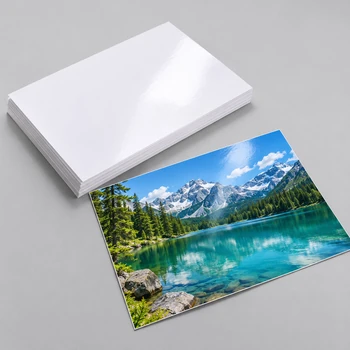 R0213 Super High Glossy white ink.420x297 paper 1 sheet
-
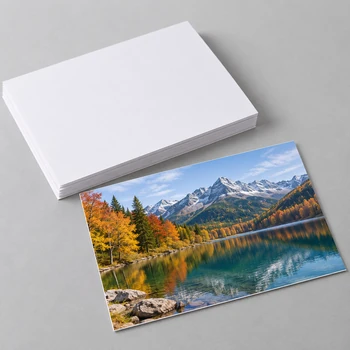 Photo Paper Matt Double Waterproof 250g 50 Half A4 (210x297mm)
-
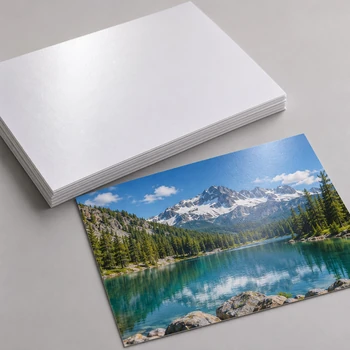 Photo Paper RC Rough silky/Satin 260g 20 pol A3 (420mm x 297mm)
-
 Photo Paper RC Rough silky/Satin 260g 50 half A2 (420mm x 594mm)
-
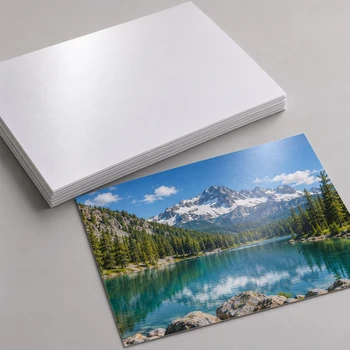 Photo Paper RC Rough silky/Satin 260g 20 poles A4 (210mm x 297mm)
-
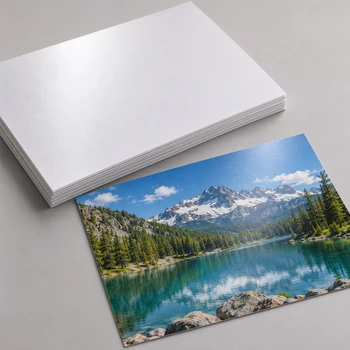 Photo paper RC premium silky/satin 260g 20 poles A4 (210mm x 297mm)
-
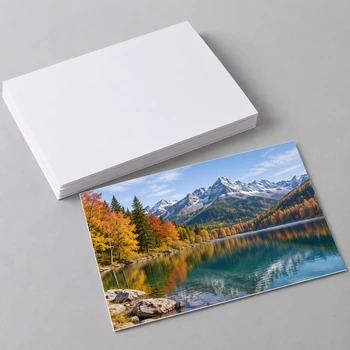 Photo Paper Matt Double Waterproof 250g 50 Half A2 (420x594mm)
-
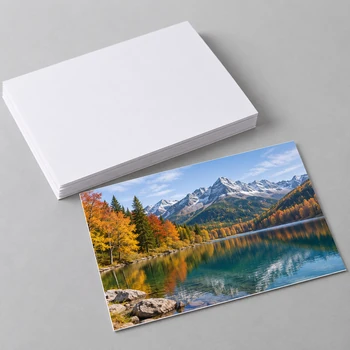 Photo Paper Matt two-sided 250g 50 half A3 (420x297mm)
-
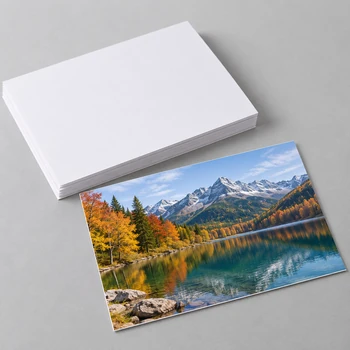 Photo Paper Matt double-ended waterproof 140g 100 pol A4 (210x297mm)
-
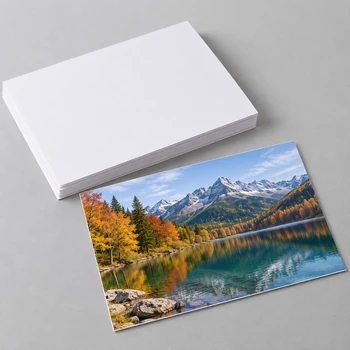 Photo Paper Matt Waterproof 128g 100 pol A4 (210x297mm)
-
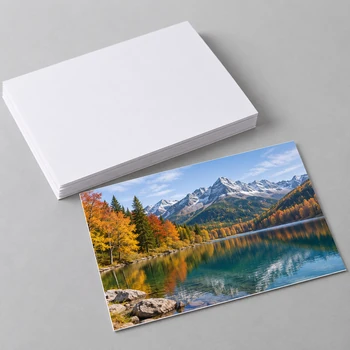 Photo Paper Matt Unilateral Waterproof 108g 100 pol A4 (210x297mm)
-
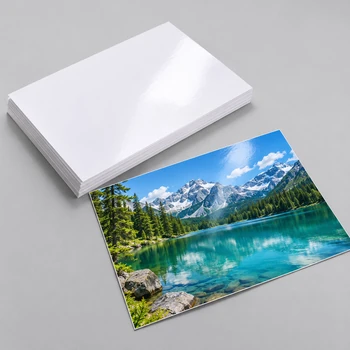 Premium RC Glossy Photo Paper 260g 50 pol A2 (420mm x 594mm)
-
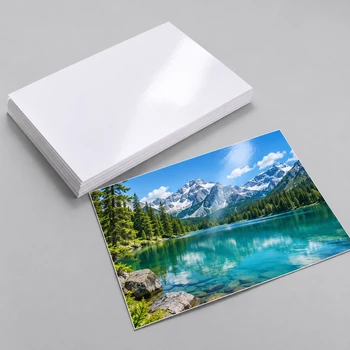 Photo Paper Premium RC Glossy 260g 20 pol A3 (420mm x 297mm)
-
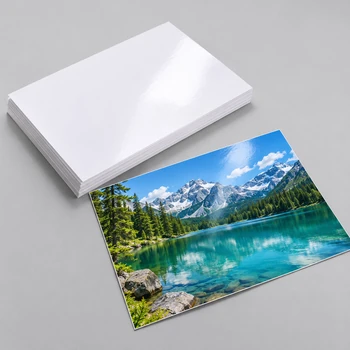 Photo Paper Premium RC Glossy 260g 20 pol A4 (210mm x 297mm)
-
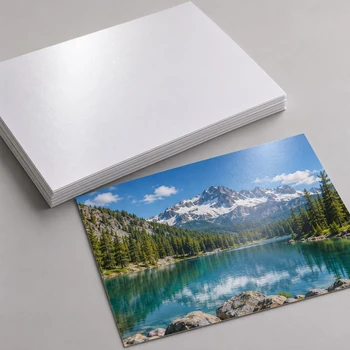 Photo paper RC premium silky/satin 260g 20 pole A3 (420mm x 297mm)
-
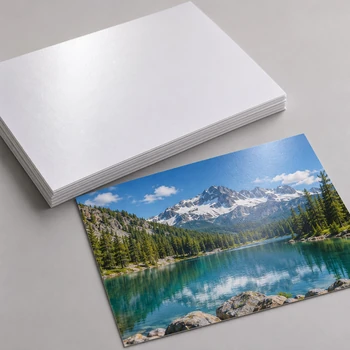 Photo paper RC premium silky/satin 260g 50 polf A2 (420mm x 594mm)
-
 Premium RC Wove 260g 50 half A2 (420mm x 594mm)
-
 Photo Paper Premium RC Wove 260g 20 pol A3 (420mm x 297mm)
-
 Premium RC Wove 260g 20 pol A4 (210mm x 297mm)
-
 Glossy/Matte photo paper two-sided 255g 20 poles A6 (10cm x 15cm)
-
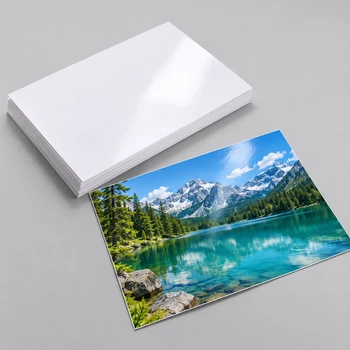 Glossy/Matte photo paper two-sided 255g 20 poles A4 (210mm x 297mm)
-
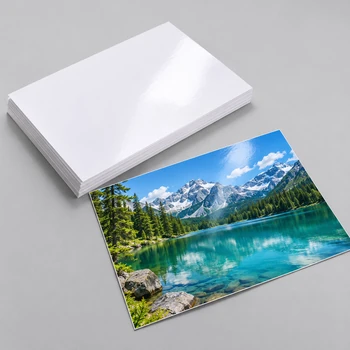 Photo Paper Glossy 135g 20 pol A4 (210mm x 297mm)
-
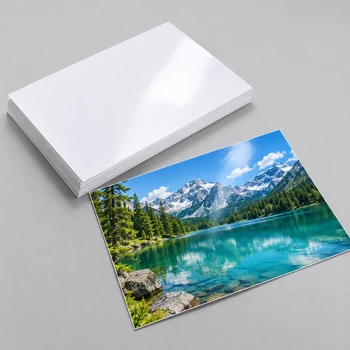 Glossy 250g 50 half A2 (420mm x 594mm)
-
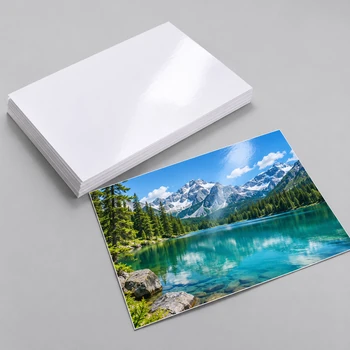 Glossy 250g 20 pol A3 (420mm x 297mm)
-
 Photo Paper Glossy 250g 20 half A4 (210mm x 297mm)
-
 Photo Paper Matt double-ended waterproof 140g 100 pol A3 (420x297mm)
-
 Glossy 180g 20 pol A4 (210mm x 297mm)
-
 Photo paper glossy two-sided 260g A4 210*297mm 20 pole
-
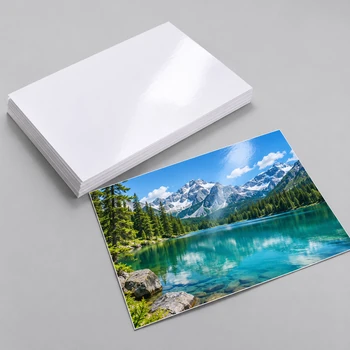 Photo paper glossy two-sided 260g A3 420*297mm 20 pole
-
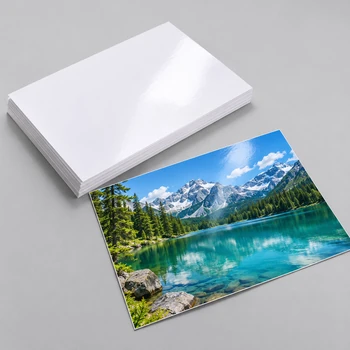 Photo Paper Premium Glossy 200g A4 210*297mm 20 pole
-
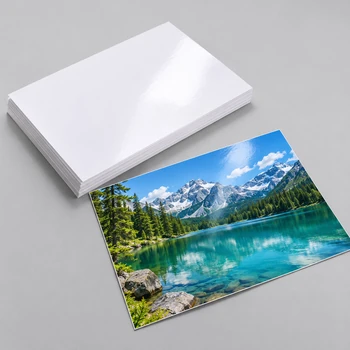 Photo Paper Glossy 260g 20 poles A4 (210mm x 297mm)
-
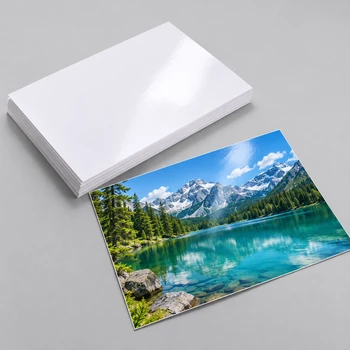 Photo Paper Glossy 260g 20 pol A3 (420mm x 297mm) BOTH
-
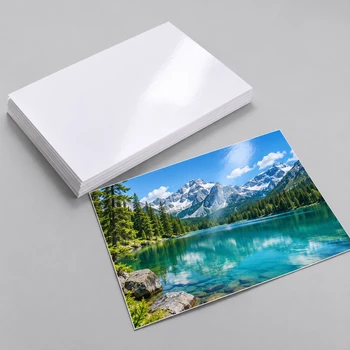 Photo Paper Glossy 155g 20 poles A4 BETTER WATERS
-
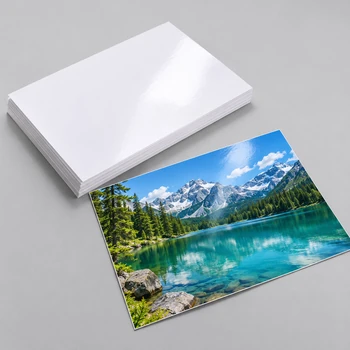 Photo Paper Glossy 155g 20 pol A3 (420mm x 297mm) BOTH
-
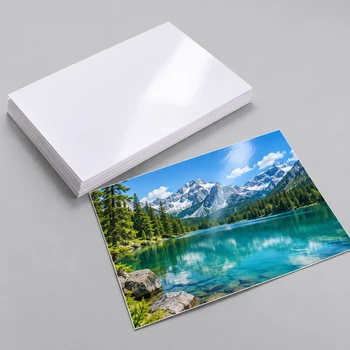 Photo Paper Glossy 200g 20 half A4 (210mm x 297mm)
-
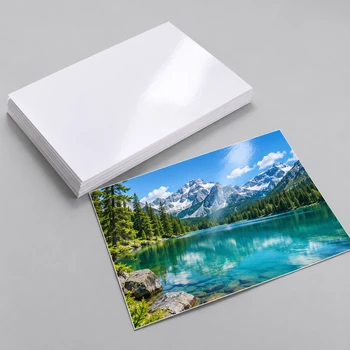 Photo Paper Glossy 135g 100 pol A4 (210mm x 297mm)
-
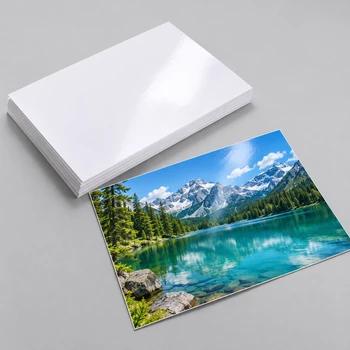 Photo Paper Glossy 250g 20 pol A6 (10cm x 15cm)
-
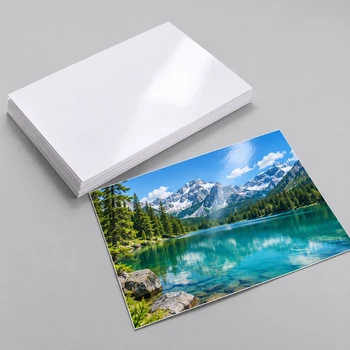 Photo Paper Glossy 250g 20 half A2 (420mm x 594mm)
-
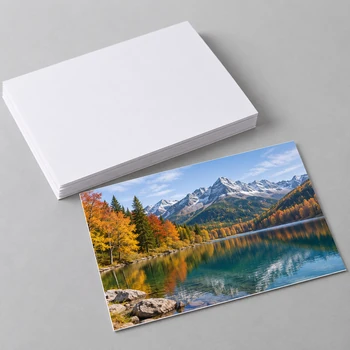 Photo Paper Matt double-ended waterproof 140g 20pol A3 (420x297mm)
-
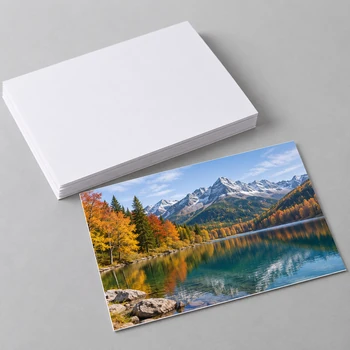 Photo Paper Matt double-ended waterproof 140g 20pol A2 (420x594mm)


