
Where do I make a web preview of the PLT file?
Online PLT viewer for pre-grave inspection
You can check the final PLT export in the external tool Toolster PLT Viewer – Open file preview. It is designed to display HP-GL and HP-GL/2 drawings. The provider states that the file processes locally in the browser and does not upload it to the server for inspection. Check the current service rules before using confidential plans.
How to open a file
- Open the link above and select Choose File or drag PLT into the highlighted box.
- Select the same exported file you intend to send for production.
- Show the whole motif and read the width and height. Compare them with the desired dimensions in millimetres.
- Increase inscriptions, noises, tiny elements and inner openings of letters. Check orientation and possible mirroring.
- Review the alerts on content and support commands. If part of the motive is missing or the criterion is unclear, check the file again in the source program.
What to watch about AI files
A nice picture in conversation with AI doesn't prove the file's true. Check actual paths, final dimensions and text. PNG or SVG with a renamed extension is not PLT. Convert text before real export to curves and keep the original file for revisions.
Preview of the path and the final appearance of the engraving
Viewer helps check geometry. The power, speed, filling and other parameters for the specific laser and material shall be determined when preparing the treatment. The colour of the line or pen number does not in itself mean cutting or a certain depth of the engraving.
What do you send us for an offer
Send the original PLT, reference image, final dimensions, material, quantity and location of the engraving. The file opened in Toolster is not yet sent to the Council of Black. Related services, examples of engravings and additional instructions can be found in product lists, documentation and FAQ below.
Published:
Related products
-
 Ceramic laser engraving
-
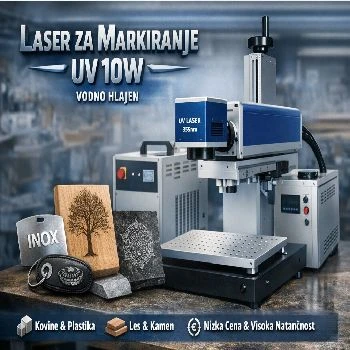 Marker for all materials UV 10W water cooled
-
 Inline 5w UV laser for marking on liquid strip water cooled
-
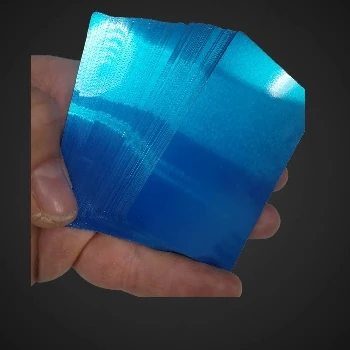 Metal cards that capture multicolor views by engraving
-
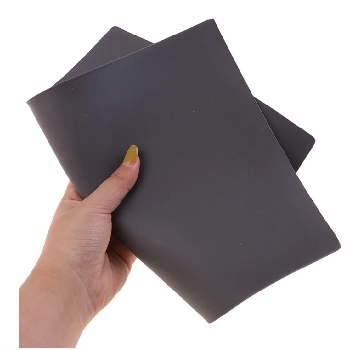 Laser engraving rubber for stamping 2,3mm A4
-
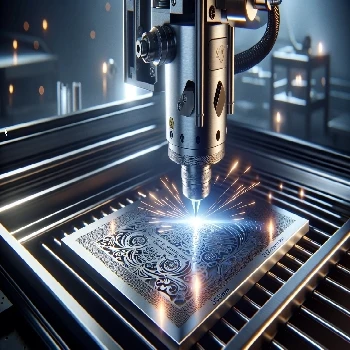 Stainless steel engraving Stainless Steel 304 317 305
-
 Rubber engraving and stamping in Ljubljana
-
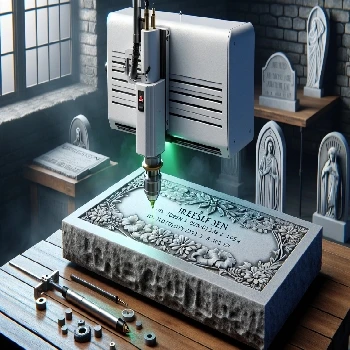 Cold laser engraving on stone of all kinds
-
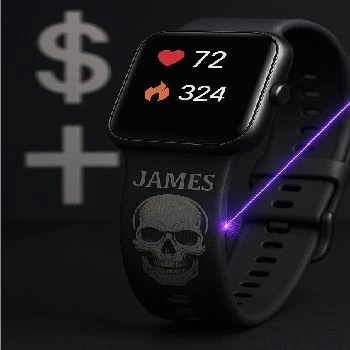 Gravity on straps from smart hours made of silicone or TPU
-
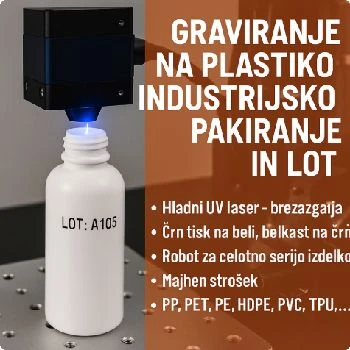 Engraving on plastic for industrial packaging and LOT
Additional documentation
- Look Gravity on aluminium cards
- Look Button engraving and electrical installations
- Look Stone engraving using cold laser
- Look Gravity on Diners Club payment card
- Look Gravity on payment card Regional bank Maestro
- Look Engraving original packaging for inscription
- Look Gravity on plastic water bottle
- Look Gravity on white plastic - casing of TP LINK
- Look Gravity on the handle from the pan - bakelite
- Look Gravity on silicone roller
- Look Gravity on the box of Piran Planica ice cream
- Look Gravity on soft TPU cover from your phone
- Look Engraving on protective helmet for builders
- Look Gravity on the water bottle cap
- Look Gravity to popular AXE deodorant
- Look Stainless steel engraving SS304
- Look Gravity on a box of mountain tea Ilka Štuhec
-
 Look
Gravity on silicone hand bracelet for children
-
 Look
Display engraving on child helmet
-
 Look
Engraving on lighters of all colours and shapes
-
 Look
Engraving on CROCS shoes and slippers
-
 Look
Pencils and pencils, of plastics or of metal or paper
-
 Look
Engraving to Write Wipe Gel Pen
-
 Look
Engraving on black matt serving plates
-
 Look
Gravity on matte black cups of prestigious quality
-
 Look
The engraving of the stone for the decoration of graves - the eternal memory of the deceased
-
 Look
Plastic soap pump engraving
-
 Look
Ceramic laser engraving: KNAUF INSULATION
-
 Look
Engraving on SS304 in black
-
 Look
Engraving on Black and Silver Card
-
 Look
Display engraving on silicone container for dogs and cats
-
 Look
3D cold laser engraving on wood
- Look Display engraving on the smart watch strap GARMIN
-
 Look
Stone engraving using laser
-
 Look
Engraving stone gravestones with laser
-
 Look
Gravity on original packaging
-
 Look
Instructions for use of CNF 160 for UV CO2 FIBER marker laser
Related FAQs
-
 What's a vector image?
-
 Can it be engraved on plastic?
-
 You want to give a girl a perfume with her name on it, how do I do that?
-
 Can you grab the helmets?
-
 What's a TPU?
-
 How do we properly filter air from laser engraving?
-
 What is a PLT engraving file?
-
 How do I prepare a PLT file for engraving?
-
 How do I export PLT from CorelDraw?
-
 Why does PLT have the wrong dimensions, and how do I check the scale?
-
 How do I keep fonts and noises in the PLT file?
-
 What's the difference between a silhouette and a full engraving?
-
 Why are double lines and open lines a problem?
-
 How do I prepare an Al engraving file?
-
 What mistakes do I check for Al before engraving?
-
 What do I write Al for a useful vector motif?
-
 How do I check the contents of the exported PLT file?
-
 How do I prepare tiny inscriptions and QR code for engraving?
-
 What do I send next to PLT for offer and engraving?
-
 Does the preview show the final appearance of the engraving?