
How do I prepare a PLT file for engraving?
How do I prepare a PLT file for engraving?
- In the vector program, prepare only the motif that will be created. Remove auxiliary frames, dimensions, hidden copies and references.
- Set the final dimensions in millimetres, for example 80 × 30 mm. Write them down also in demand.
- Check the text and then convert it into curves or paths.
- Decide which parts you want to engrave on the line and which parts you want to fill. Make that clear on the show.
- Check the contours, possible duplications, and unnecessary points. Excessive simplification can spoil the shape.
- Use real HP-GL/PLT exports. Changing filename is not an export.
- Reopen the exported file to check the dimensions, the whole motive, the holes in the letters and the chimps.
In addition to PLT, attach a reference image or PDF with the size indicated. Save the original vector file because it usually makes corrections easier to execute.
Published:
20.11.2026
Related products
-
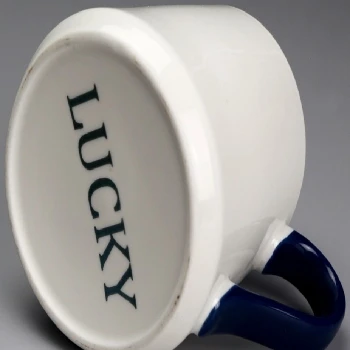 Ceramic laser engraving
-
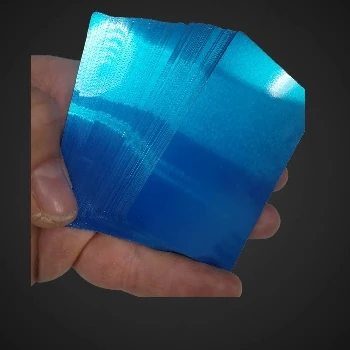 Metal cards that capture multicolor views by engraving
-
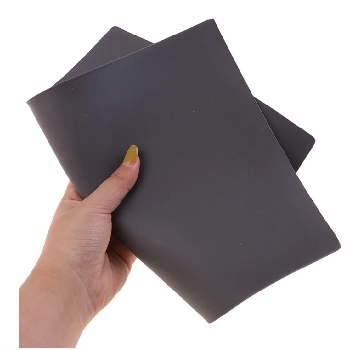 Laser engraving rubber for stamping 2,3mm A4
-
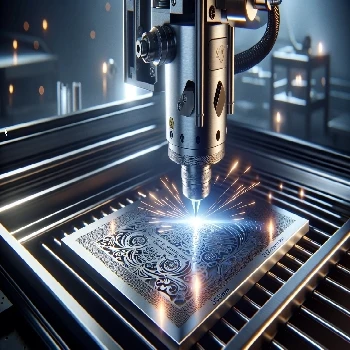 Stainless steel engraving Stainless Steel 304 317 305
-
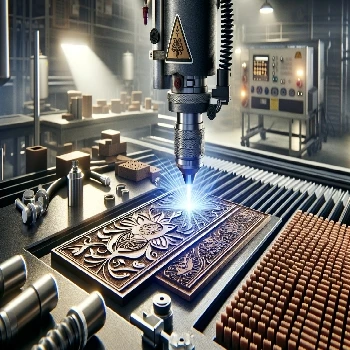 Rubber engraving and stamping in Ljubljana
-
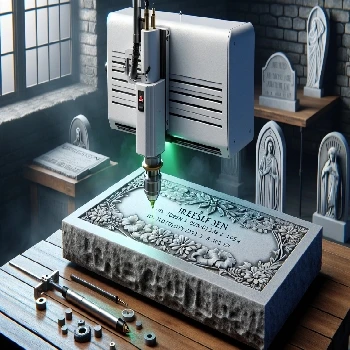 Cold laser engraving on stone of all kinds
-
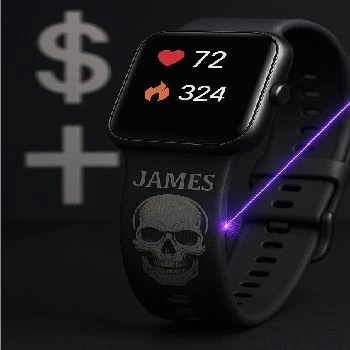 Gravity on straps from smart hours made of silicone or TPU
-
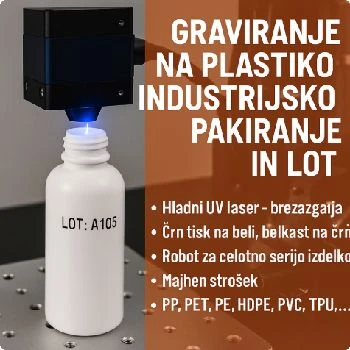 Engraving on plastic for industrial packaging and LOT
-
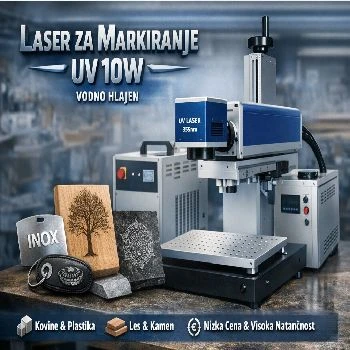 Marker for all materials UV 10W water cooled
-
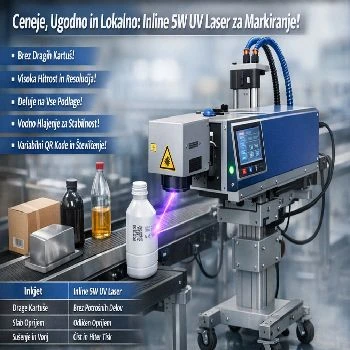 Inline 5w UV laser for marking on liquid strip water cooled
Additional documentation
- Look Gravity on aluminium cards
- Look Stainless steel engraving SS304
-
 Look
3D cold laser engraving on wood
-
 Look
Instructions for use of CNF 160 for UV CO2 FIBER marker laser
Related FAQs
-
 What's a vector image?
-
 Where do I make a web preview of the PLT file?
-
 What is a PLT engraving file?
-
 How do I export PLT from CorelDraw?
-
 Why does PLT have the wrong dimensions, and how do I check the scale?
-
 How do I keep fonts and noises in the PLT file?
-
 What's the difference between a silhouette and a full engraving?
-
 Why are double lines and open lines a problem?
-
 How do I prepare an Al engraving file?
-
 What mistakes do I check for Al before engraving?
-
 What do I write Al for a useful vector motif?
-
 How do I check the contents of the exported PLT file?
-
 How do I prepare tiny inscriptions and QR code for engraving?
-
 What do I send next to PLT for offer and engraving?
-
 Does the preview show the final appearance of the engraving?