
How do I export PLT from CorelDraw?
How do I export PLT from CorelDraw?
First, save the original file. Prepare a copy of the motif in the final size, convert the text into curves and select the elements to export. Select HPGL Plotter File (PLT) in Export or Export options; naming and available settings differ between program versions.
Check export options for curves and pens. The rough approximation of the curves makes circles and letters square, and the excessively tiny creates many short sections. Please assess the relevance of the actual size of the motive.
Do not assume that the fillings and visible thickness of the edge will be transmitted in the same way as on the screen. Check export behaviour in your version documentation and re-import the file.
Published:
20.11.2026
Related products
-
 Ceramic laser engraving
-
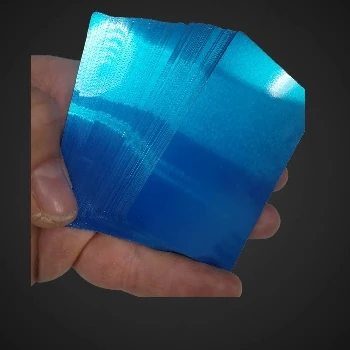 Metal cards that capture multicolor views by engraving
-
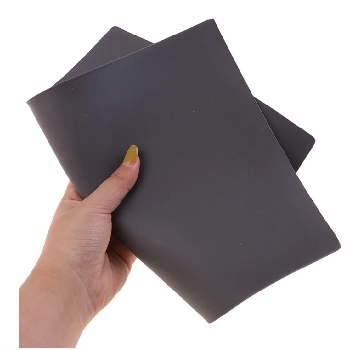 Laser engraving rubber for stamping 2,3mm A4
-
 Stainless steel engraving Stainless Steel 304 317 305
-
 Rubber engraving and stamping in Ljubljana
-
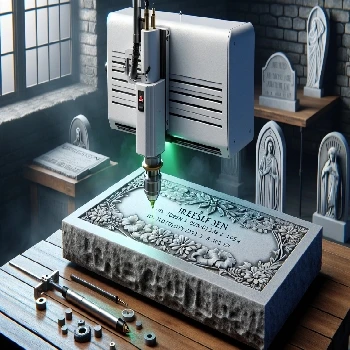 Cold laser engraving on stone of all kinds
-
 Gravity on straps from smart hours made of silicone or TPU
-
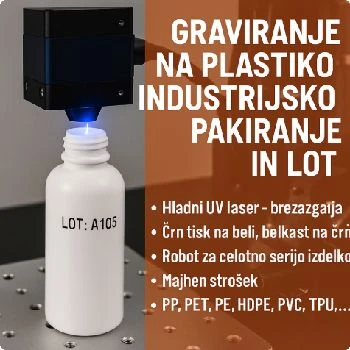 Engraving on plastic for industrial packaging and LOT
-
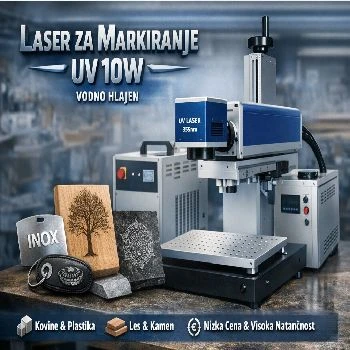 Marker for all materials UV 10W water cooled
-
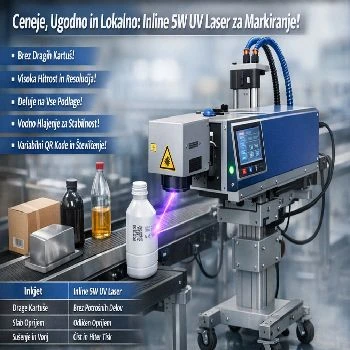 Inline 5w UV laser for marking on liquid strip water cooled
Additional documentation
- Look Gravity on aluminium cards
- Look Stainless steel engraving SS304
-
 Look
3D cold laser engraving on wood
-
 Look
Instructions for use of CNF 160 for UV CO2 FIBER marker laser
Related FAQs
-
 What's a vector image?
-
 Where do I make a web preview of the PLT file?
-
 What is a PLT engraving file?
-
 How do I prepare a PLT file for engraving?
-
 Why does PLT have the wrong dimensions, and how do I check the scale?
-
 How do I keep fonts and noises in the PLT file?
-
 What's the difference between a silhouette and a full engraving?
-
 Why are double lines and open lines a problem?
-
 How do I prepare an Al engraving file?
-
 What mistakes do I check for Al before engraving?
-
 What do I write Al for a useful vector motif?
-
 How do I check the contents of the exported PLT file?
-
 How do I prepare tiny inscriptions and QR code for engraving?
-
 What do I send next to PLT for offer and engraving?
-
 Does the preview show the final appearance of the engraving?