
How do I keep fonts and noises in the PLT file?
How do I keep fonts and noises in the PLT file?
First read and confirm the text in the original document. Check the names, dates, numbers, letters and letters, and č, š and ž. Then make a copy for export, in which the text is converted into curves or paths. Thus, the design contains a form of individual letters and does not depend on the font installed on another computer.
After export, check internal openings such as A, B, O, P and R, and dots and roofs. Conversion into curves does not correct already misspelled text and does not ensure that very small parts are visible on the material.
Keep the original version with edit text separate. If PLT uses text tags instead of letter geometry, check screener support and laser program. Use curves to transfer font format.
Published:
20.11.2026
Related products
-
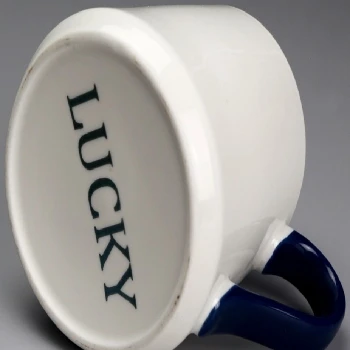 Ceramic laser engraving
-
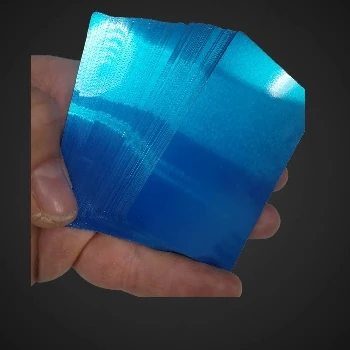 Metal cards that capture multicolor views by engraving
-
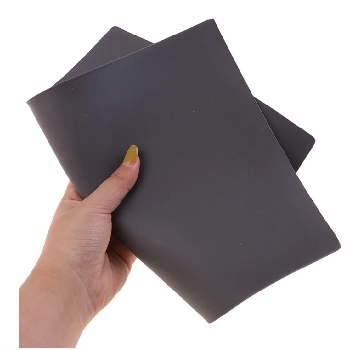 Laser engraving rubber for stamping 2,3mm A4
-
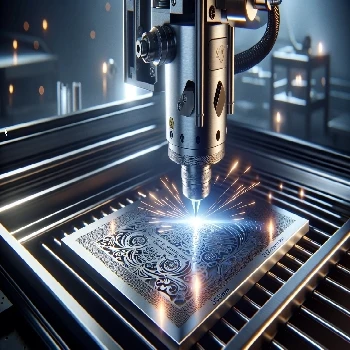 Stainless steel engraving Stainless Steel 304 317 305
-
 Rubber engraving and stamping in Ljubljana
-
 Cold laser engraving on stone of all kinds
-
 Gravity on straps from smart hours made of silicone or TPU
-
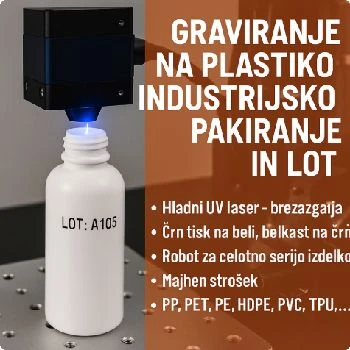 Engraving on plastic for industrial packaging and LOT
-
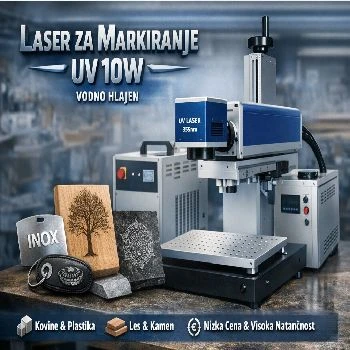 Marker for all materials UV 10W water cooled
-
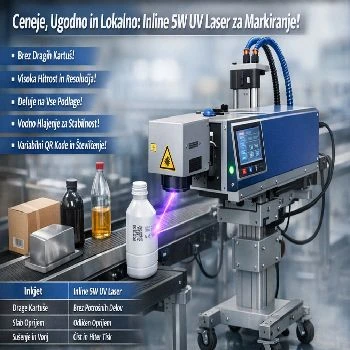 Inline 5w UV laser for marking on liquid strip water cooled
Additional documentation
- Look Engraving original packaging for inscription
-
 Look
Engraving on lighters of all colours and shapes
-
 Look
Pencils and pencils, of plastics or of metal or paper
-
 Look
Instructions for use of CNF 160 for UV CO2 FIBER marker laser
Related FAQs
-
 What's a vector image?
-
 Where do I make a web preview of the PLT file?
-
 What is a PLT engraving file?
-
 How do I prepare a PLT file for engraving?
-
 How do I export PLT from CorelDraw?
-
 Why does PLT have the wrong dimensions, and how do I check the scale?
-
 What's the difference between a silhouette and a full engraving?
-
 Why are double lines and open lines a problem?
-
 How do I prepare an Al engraving file?
-
 What mistakes do I check for Al before engraving?
-
 What do I write Al for a useful vector motif?
-
 How do I check the contents of the exported PLT file?
-
 How do I prepare tiny inscriptions and QR code for engraving?
-
 What do I send next to PLT for offer and engraving?
-
 Does the preview show the final appearance of the engraving?