
What mistakes do I check for Al before engraving?
What mistakes do I check for Al before engraving?
Check the sign after the sign, then count all the elements and compare the shapes with the desired template. Pay attention to missing noises, changed numbers, wrong dates, changed logo, mirroring and different side ratio.
Check whether the vector file really consists of a path or contains only an inserted photo. The SVG file may also contain raster images; therefore, the extension is not a guarantee for a vector motif. The renamed PNG or SVG also does not become PLT.
When automatically vectoring, look for jagged edges, double contours, tiny islets and too many nodes. Especially increase small letters and narrow gaps. AI should not guess power or speed settings for unknown laser and material. Complete the final check after conversion and export, as errors may also occur in these steps.
Published:
Related products
-
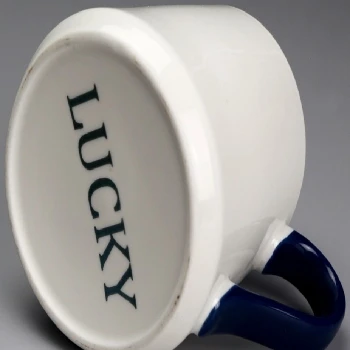 Ceramic laser engraving
-
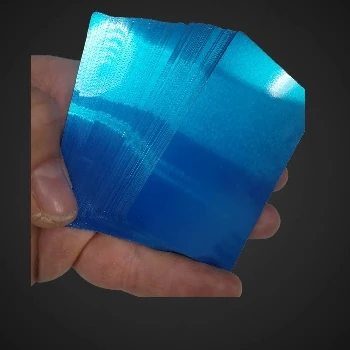 Metal cards that capture multicolor views by engraving
-
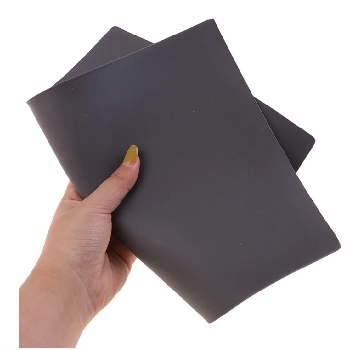 Laser engraving rubber for stamping 2,3mm A4
-
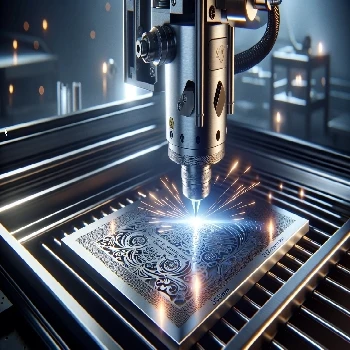 Stainless steel engraving Stainless Steel 304 317 305
-
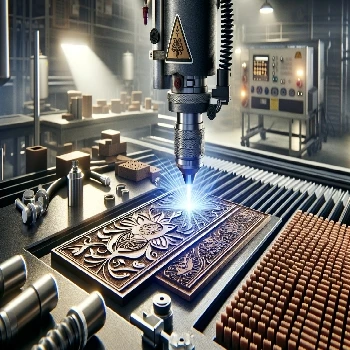 Rubber engraving and stamping in Ljubljana
-
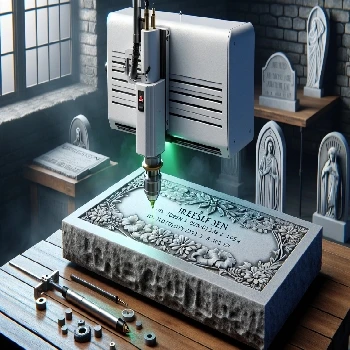 Cold laser engraving on stone of all kinds
-
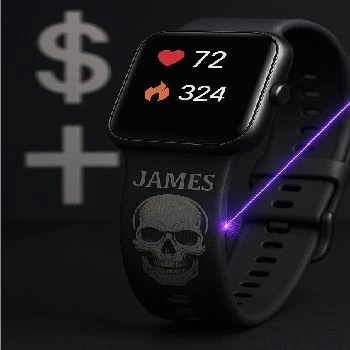 Gravity on straps from smart hours made of silicone or TPU
-
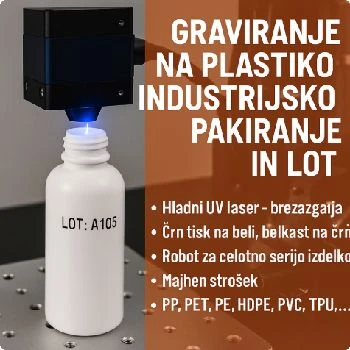 Engraving on plastic for industrial packaging and LOT
-
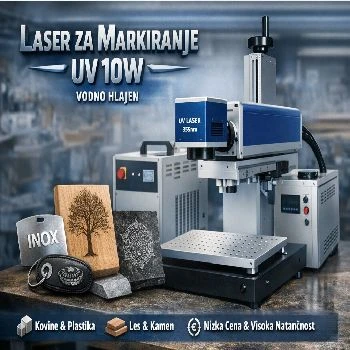 Marker for all materials UV 10W water cooled
-
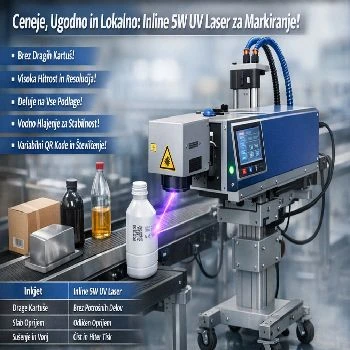 Inline 5w UV laser for marking on liquid strip water cooled
Additional documentation
- Look Engraving original packaging for inscription
-
 Look
Engraving on lighters of all colours and shapes
-
 Look
Pencils and pencils, of plastics or of metal or paper
-
 Look
Instructions for use of CNF 160 for UV CO2 FIBER marker laser
Related FAQs
-
 What's a vector image?
-
 Where do I make a web preview of the PLT file?
-
 What is a PLT engraving file?
-
 How do I prepare a PLT file for engraving?
-
 How do I export PLT from CorelDraw?
-
 Why does PLT have the wrong dimensions, and how do I check the scale?
-
 How do I keep fonts and noises in the PLT file?
-
 What's the difference between a silhouette and a full engraving?
-
 Why are double lines and open lines a problem?
-
 How do I prepare an Al engraving file?
-
 What do I write Al for a useful vector motif?
-
 How do I check the contents of the exported PLT file?
-
 How do I prepare tiny inscriptions and QR code for engraving?
-
 What do I send next to PLT for offer and engraving?
-
 Does the preview show the final appearance of the engraving?