
How do I prepare tiny inscriptions and QR code for engraving?
How do I prepare tiny inscriptions and QR code for engraving?
There is no universal minimum size. It depends on the type of laser, optics, material, surface shape and required contrast. Final readability estimate in actual size. The design, which is beautiful in large magnification, can be illegible on a small object.
For small inscriptions, a simpler font and more space between letters and elements often helps. Very thin lines or small inner openings should be checked on the sample. We set the appropriate limit for concrete implementation.
Create QR code using a dedicated generator from an exact final URL or text. I don't want Al making up a code pattern. Check its contents by scanning and maintain a square grid, contrast and empty edge. After manufacture, scan the physical engraving as the correct source code itself does not guarantee readability on the material.
Published:
Related products
-
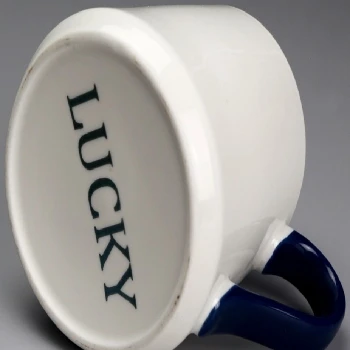 Ceramic laser engraving
-
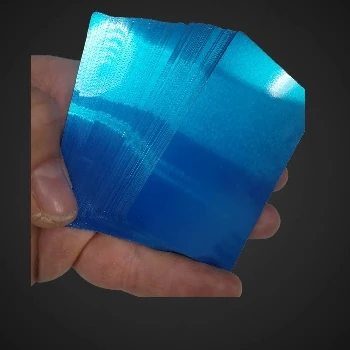 Metal cards that capture multicolor views by engraving
-
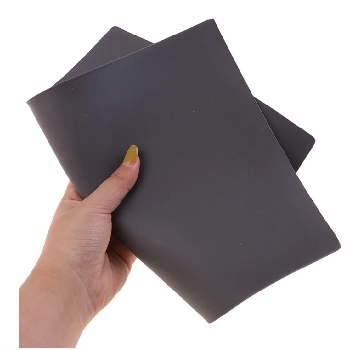 Laser engraving rubber for stamping 2,3mm A4
-
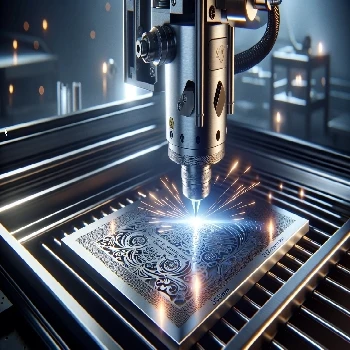 Stainless steel engraving Stainless Steel 304 317 305
-
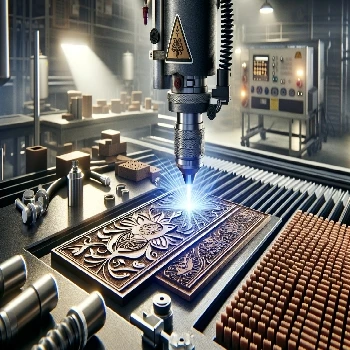 Rubber engraving and stamping in Ljubljana
-
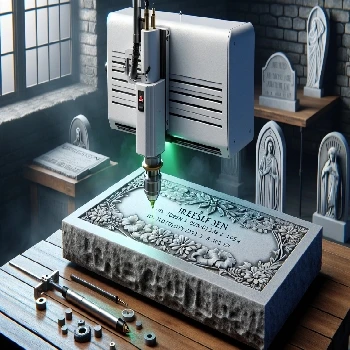 Cold laser engraving on stone of all kinds
-
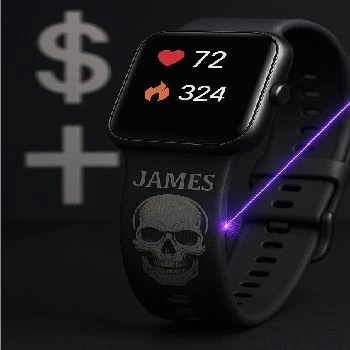 Gravity on straps from smart hours made of silicone or TPU
-
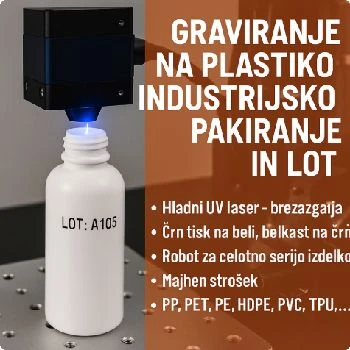 Engraving on plastic for industrial packaging and LOT
-
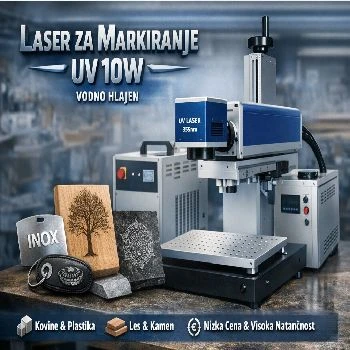 Marker for all materials UV 10W water cooled
-
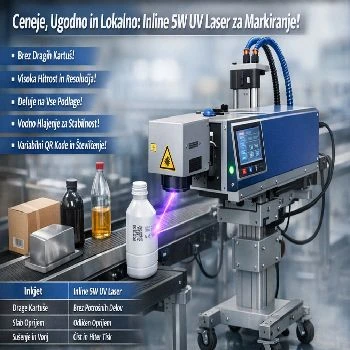 Inline 5w UV laser for marking on liquid strip water cooled
Additional documentation
- Look Gravity on aluminium cards
- Look Stainless steel engraving SS304
-
 Look
3D cold laser engraving on wood
-
 Look
Instructions for use of CNF 160 for UV CO2 FIBER marker laser
Related FAQs
-
 What's a vector image?
-
 Where do I make a web preview of the PLT file?
-
 What is a PLT engraving file?
-
 How do I prepare a PLT file for engraving?
-
 How do I export PLT from CorelDraw?
-
 Why does PLT have the wrong dimensions, and how do I check the scale?
-
 How do I keep fonts and noises in the PLT file?
-
 What's the difference between a silhouette and a full engraving?
-
 Why are double lines and open lines a problem?
-
 How do I prepare an Al engraving file?
-
 What mistakes do I check for Al before engraving?
-
 What do I write Al for a useful vector motif?
-
 How do I check the contents of the exported PLT file?
-
 What do I send next to PLT for offer and engraving?
-
 Does the preview show the final appearance of the engraving?