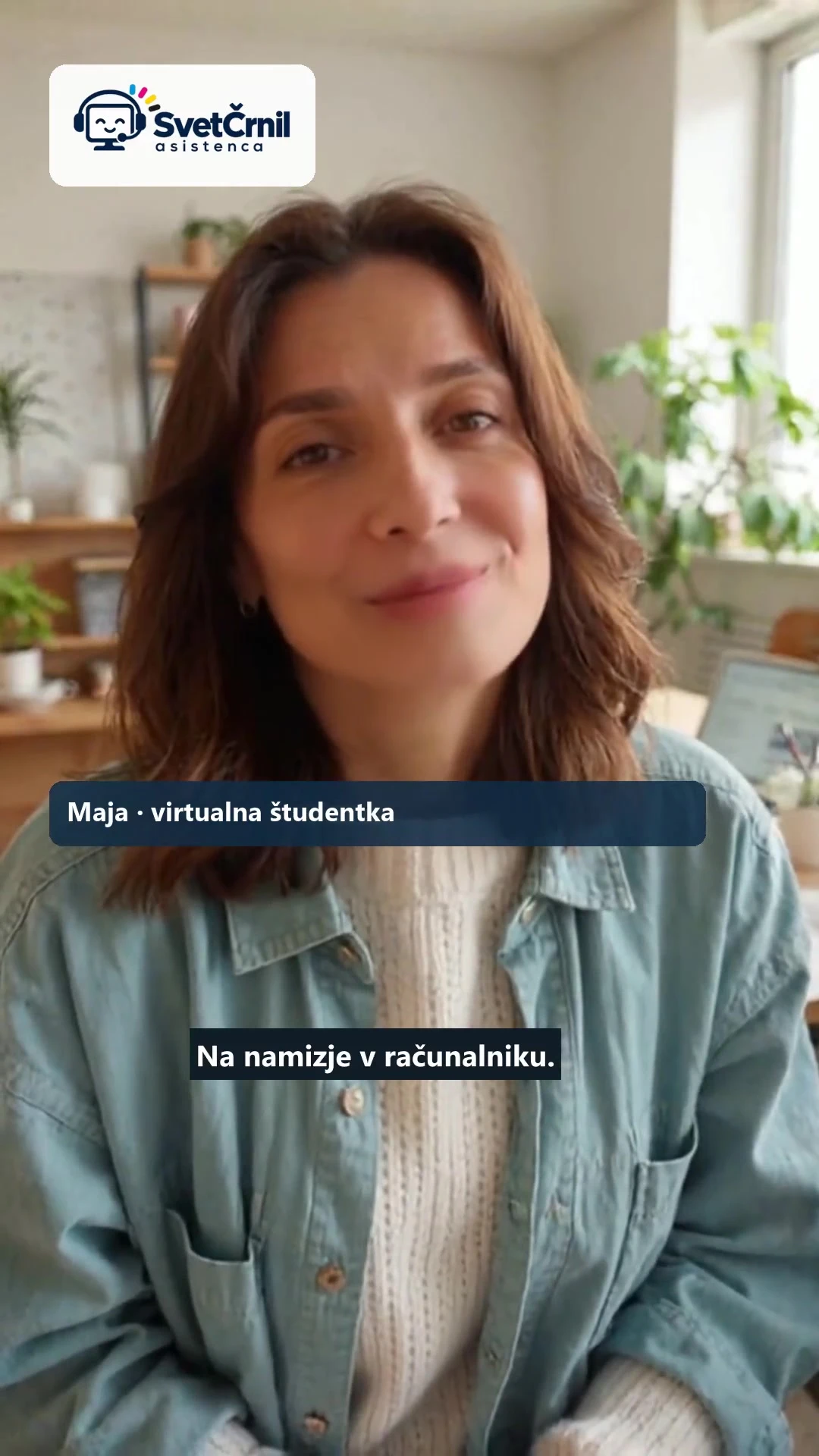
Maja, just one more thing! – Assistant in a friendly sketch
Maja, just one more thing! – Assistant in a friendly sketch
Tina Maya calls once. One more time. And then the printer. Maja sends her a link to Asistence, and in the end there is time for coffee. A short fictional sketch shows how to ask for help without computer jargon.
Open Assistant and check Help Options
View video in your own language
Video in Slovenian
Watch in English
Maya and Tina are imaginary adults. The guides are presented by the virtual Maja with a synthetic voice. The steps shown are illustration; actual screens and options may vary.
Four Steps Easy to Remember
- Select a device on the portal and download the program.
- Describe the problem your way.
- Check the offer before payment and allow the connection yourself.
- Use the assistant to check the cause and test the result.
Start with your words
You don't need to know computer terms. Tell me what you want to do, what happens, and when the problem lasts. An accurate record of an error message also helps. Example: "After updating the printer does not print. I see three documents in the queue.” Do not add passwords and card data to the description.
Price and license are in your hands
In the programme before payment you read the estimate, volume and final price. You grant access to the device yourself. Stay with the device while you help, ask when you don't understand something, and check the result with your assistant. Enter the password yourself. You can cut the remote.
When You Need To Continue
If the session is suspended, continue the existing request with the Restore option or instructions in your programme. Just for the sake of interruption, don't open a new order. Physical defects or unclear extent may require a personal arrangement. Current availability, conditions and supported devices are checked on the portal.
Do you know anyone whose computer is causing trouble?
Send him a link svet-crnil.com/assistanceMaybe a parent, a friend or a colleague. Help him take the first step and give him time to ask questions. This too is helpful: calmly explain what will happen and let him make his own decisions.
Related Service and Frequently Asked Questions
Computer help at a distance (15 min) the offer of aid is linked; the price and extent shown in its programme applies to the Assistance.
Which program is better for help over a remote desktop?
View other video guides
Additional documentation
-
 Look
Windows assistance: video guide step by step
-
 Look
Android assistance: video guide step by step
-
 Look
Linux assistance: video guide step by step