Description
ESP32-C5 N16R8: 16 MB flash for development of connected devices
The ESP32-C5 N16R8 development panel combines 16 MB flash and 8 MB PSRAM. It is intended for projects where we want to test a two-band network connection, read sensors and develop our own software. When selecting memory, a good starting point is the evaluation of the program and the expected data sections.
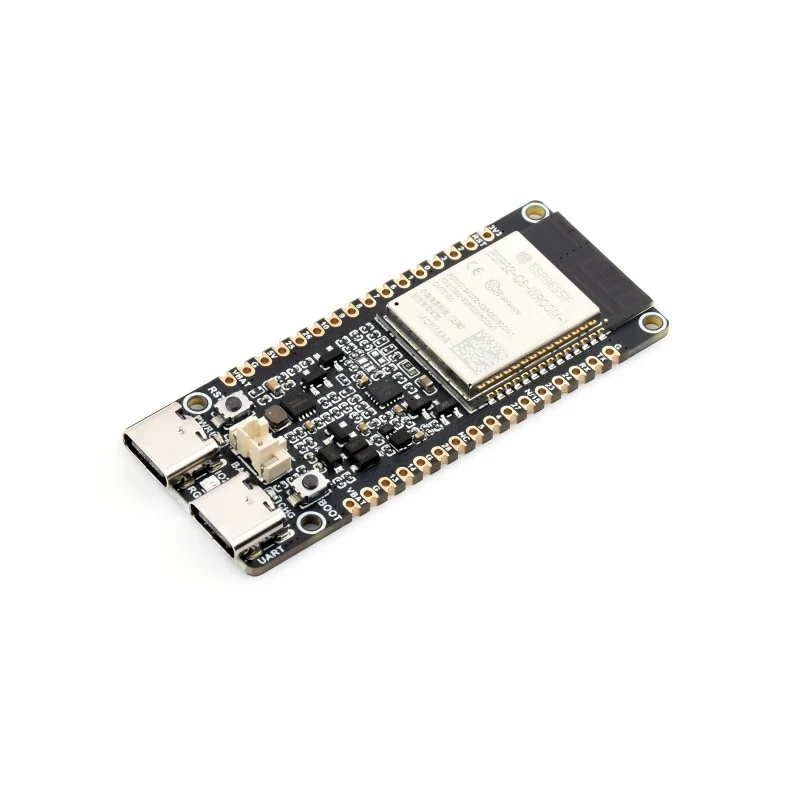
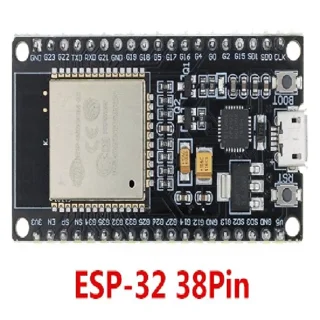
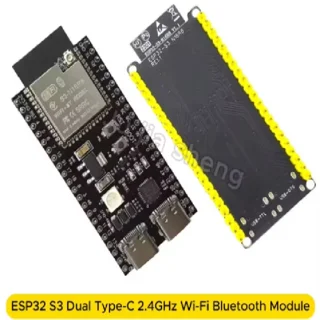
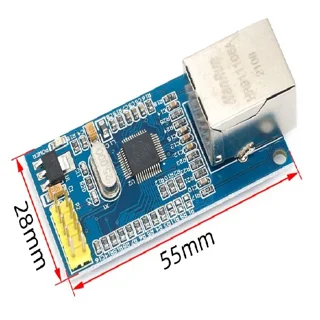
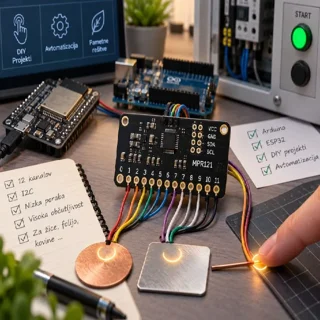
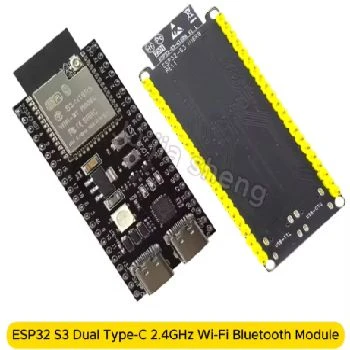
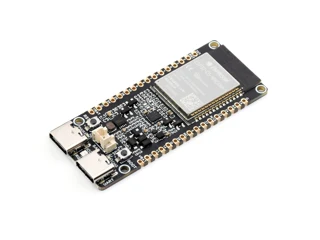
Photos are illustrated: display the Waveshare Development Panel reference panel with an appropriate memory implementation. Before ordering, confirm the execution of connections, antennas and accessories.
Technical characteristics in one place
| Processor | Single 32-bitni RISC-V, do 240 MHz |
|---|
| Flash | 16 MB |
|---|
| PSRAM | 8 MB |
|---|
| Wi-Fi | 2,4 and 5 GHz, Wi-Fi 6 |
|---|
| Bluetooth | Bluetooth Low Energy; without Bluetooth Classic |
|---|
| IEE 802.15.4 | Basis for Thread and Zigbee with appropriate program |
|---|
| Development environment | ESP-IDF or Arduino-ESP32 package supported by ESP32-C5 |
|---|
| GPIO | 3.3-V logic; do not directly connect 5-V and 24-V signals |
|---|
Wireless development for students and device manufacturers
When choosing the development panel, we first determine what the device will do: what measurements it will collect, how often it will send them and where we will display the results. ESP32-C5 is an interesting basis for learning projects, related sensors, own user interfaces and connectivity testing. In the same project we can include measurement, demonstration and communication, and add individual functions gradually. This makes it easier to determine whether the error stems from binding, program or network.
Family C5 supports Wi-Fi 6 in belts 2,4 and 5 GHz, Bluetooth Low Energy and IEEE Radio Standard 802.15.4 for Thread and Zigbee solutions. Application of each protocol requires appropriate software. Support for multiple protocols does not mean that the panel is already ready to pass for a smart home or that all radio modes are implemented simultaneously. Main processor is single-core 32-bitni RISC-V do 240 MHz.
What do flash and PSRAM mean?
The flash memory keeps the recorded data after power off. It is dedicated to the programme and to the corresponding planned data sections. PSRAM is an additional working memory during program implementation and does not replace permanent memory. In planning we therefore assess the size of the program separately, the space for files and the need for temporary data. Multiple flash does not in itself increase processor speed or PSRAM quantity.
| Implementation of ESP32-C5 | Flash | PSRAM | Main reason for choosing |
|---|
| N16R8 | 16 MB | 8 MB | Project whose programme and data sections correspond to 16 MB |
| N32R8 | 32 MB | 8 MB | More space for program, files and thought-out layout updates |
We compare the labels with the same project requirements. If the application needs more working memory, switching from N16R8 to N32R8 does not solve this need as the PSRAM is the same for both. If space is running low in the application or file section, let's check the partition table first. A large total capacity does not help if a single section is dedicated to a small part.
First start and software plan
The official starting point for development is ESP-IDF with documentation for the objective ESP32-C5. Before starting, select the version of the environment that supports this chip and read the instructions for the concrete tile. When using Arduino’s environment, we check support separately C5 in the selected package and compatibility of libraries. A program ready for another family ESP32, requires a review of settings and attachments; only a similar name is not a guarantee of direct transfer.
- First, we check the module code, the implementation of the panel and its connection schedule.
- Prepare the appropriate data cable and power according to the manufacturer's instructions.
- Let's upload a simple case and check the printout on startup.
- Set the actual flash capacity and use PSRAM and check the detected memory.
- Add one sensor or screen and then network communication.
- Save a working version of the project with environmental settings and used hardware.
For network-based updates, provision should be made for appropriate programming sections and the modernisation process. Larger flash can be useful, but OTA is not an automatic consequence of memory tag. Before field use we also try to restore after failure of modernisation. Important measurements are planned in such a way that they are not lost without warning.
Example of student project: recording measurements
The proposed learning project is a device that periodically reads the sensor, records the result and sends the measurement to the selected server. First, let's record the raw data and check their significance. Then add the measurement time, mark the invalid results and make a simple display. Only after checking the measuring work will we activate the web interface. Such order enables us to divide the project into transparent tasks and show the results of each step in the course of the seminar or final task.
When testing, we prepare the criteria: how quickly the device reconnects, what it shows when the sensor is disconnected, and how it acts when restarting. We can compare two access points or two modes of data transmission. The findings are recorded together with the test conditions. Thus, we not only assess a working display but understand the behaviour of the entire device.
Supplementary modules and connections
The panel can be integrated into the project with external sensors, displays or communication modules. Before connecting for each supplement, check the power supply, signal levels, communication interface and connection usage. The number and layout of the actual accessible connections are determined by the module and the carrier panel. The second implementation scheme is not sufficient for reliable binding.
When connecting to devices with different signal levels, select the appropriate converter and when controlling loads, select the dedicated output circuit. The development panel in the industrial project is considered as part of a prototype that needs adequate power supply, protection of entrances, housing and tests in the intended environment. To help us choose, we prepare a list of entrances and exits, a description of the communication, and information about the power supply.
How to choose the right implementation for your project?
Before buying, we estimate the size of the intended application and book space for upgrades. If we do not have a program yet, describe the main features and expected files: whether the device will store settings, local websites, graphic elements or event log. At the same time, we determine which data will have to be stored permanently and which data are needed only during operation. Such a list is more useful than choosing only the largest number in the label.
For consultation, please provide us with the purpose of the project, the sensors and modules used, the required method of connection and a photo or scheme of the existing circuit. You can also choose complementary electronics or ask for development and programming next to the development panel. Final binding is adapted to the documentation of the concrete components; in the technical question always state the full marking of your panel.
Bluetooth headphones and 5-GHz network: what to check?
ESP32-C5 supports Bluetooth LE, not Bluetooth Classic. There is therefore no direct replacement for the original ESP32 for the A2DP or HFP classical audio profiles. Check your device profile before selecting. Wi-Fi at 5 GHz is useful for a compatible access point, but does not provide a greater reach through walls. The antenna layout and measurements at the application site are more important than the standard name itself.
If you select N32R8, set memory and partitions according to the documentation of the frame used. The declared physical capacity does not yet ensure that each version of the environment or the default partition table will make full use of it.
Official resources and documentation
The memory label shall be validated by the data sheet of the modules ESP32-C5-WROOM-1 and ESP32-C5-WROOM-1U. The module data sheet itself does not specify connections, antennas, dimensions or accessories of the supporting development panel.